Padel Streak

Support

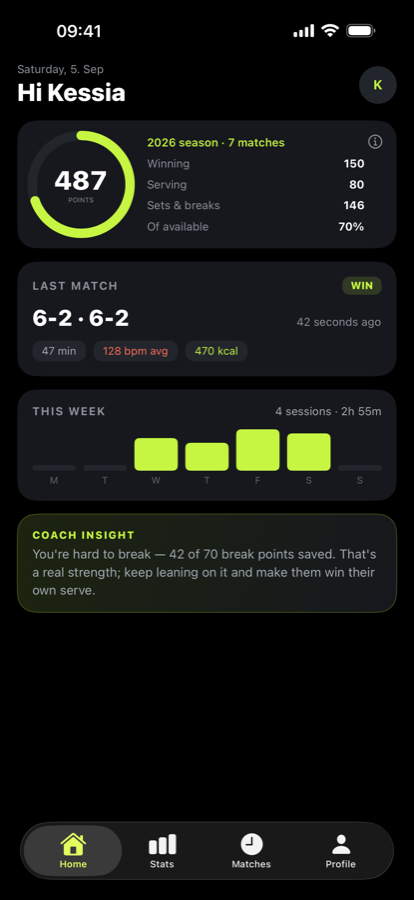
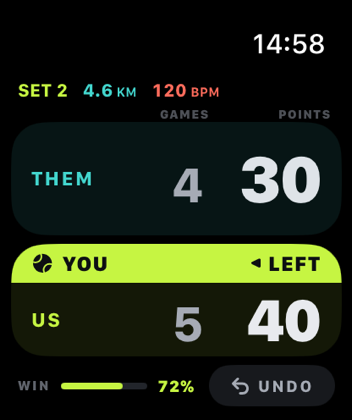
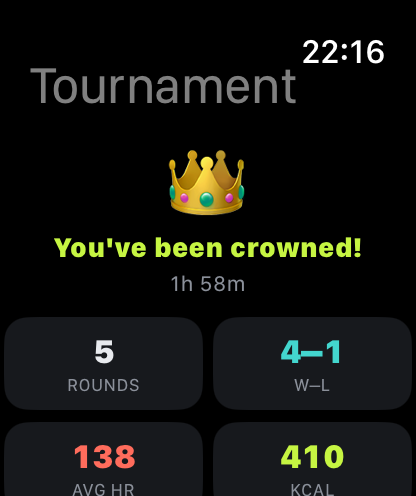
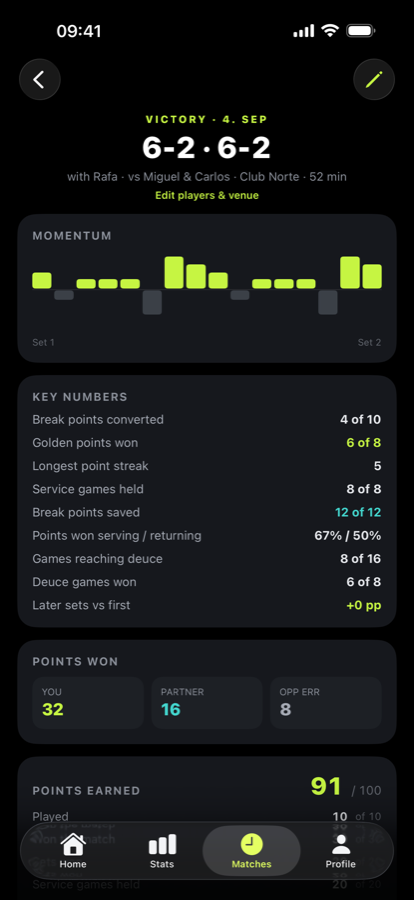
Padel Streak turns your Apple Watch into a padel scoreboard and your iPhone into your stats locker. If something isn't working, here's how to get help.

Get in touch

Email is the fastest way to reach me. I read everything, and bug reports with the phone and watchOS version are especially welcome.

support@indiesoftwarelab.com

Common questions

Do I need an Apple Watch?

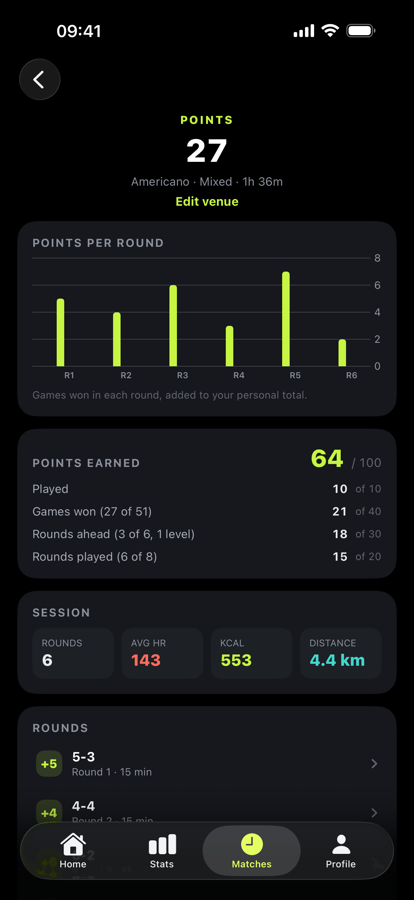
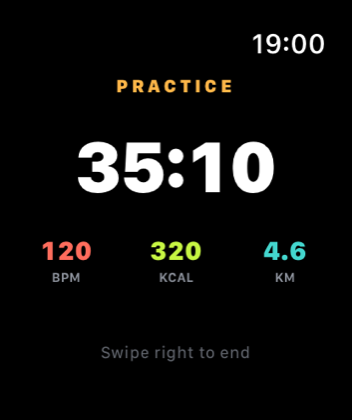
For live scoring, yes — matches are scored on the Watch, which is also what records your heart rate, calories, and distance. You can still use the iPhone app on its own by adding matches manually: open the Matches tab and tap + in the top right. Manually added matches feed your history and stats like any other.

How do I score a match?

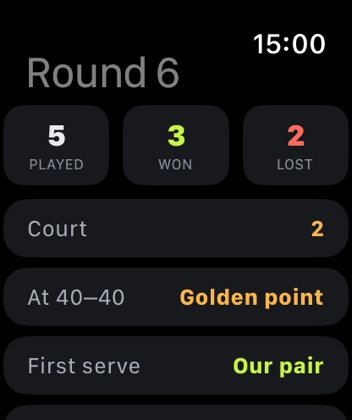
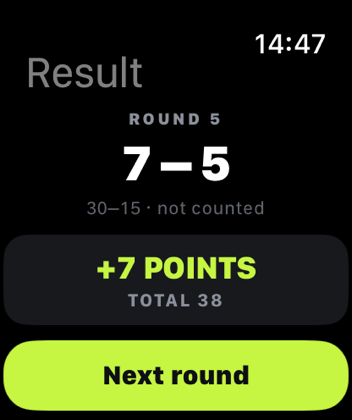
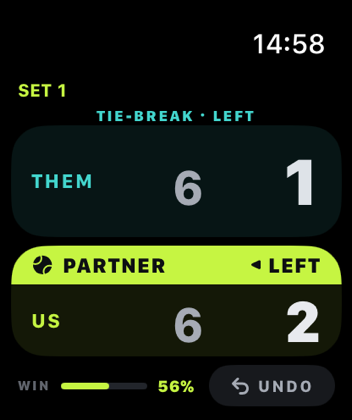
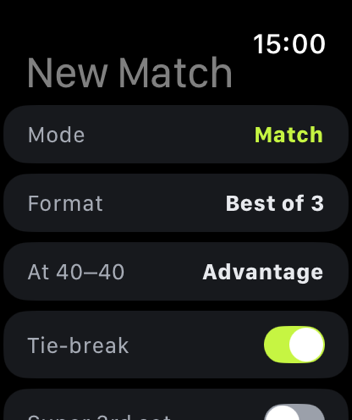
Open Padel Streak on your Watch, choose your format, and start. Tap the bottom zone when your pair wins a point and the top zone when your opponents do. Padel Streak handles golden point, advantage, tie-breaks, the deciding super tie-break, and who's serving from which side.

What is "who scored the point"?

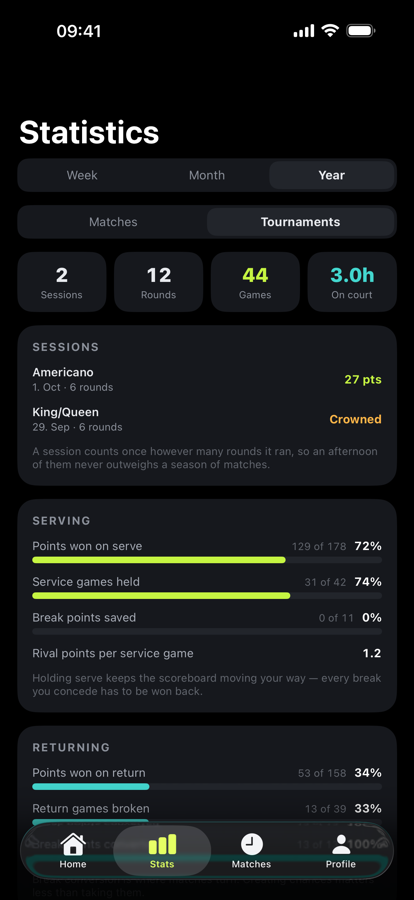
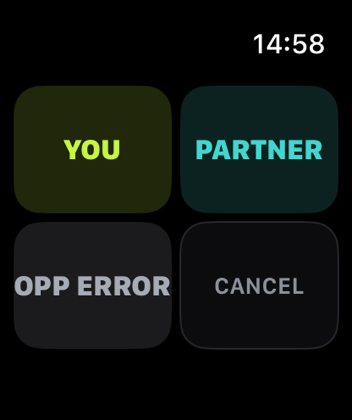
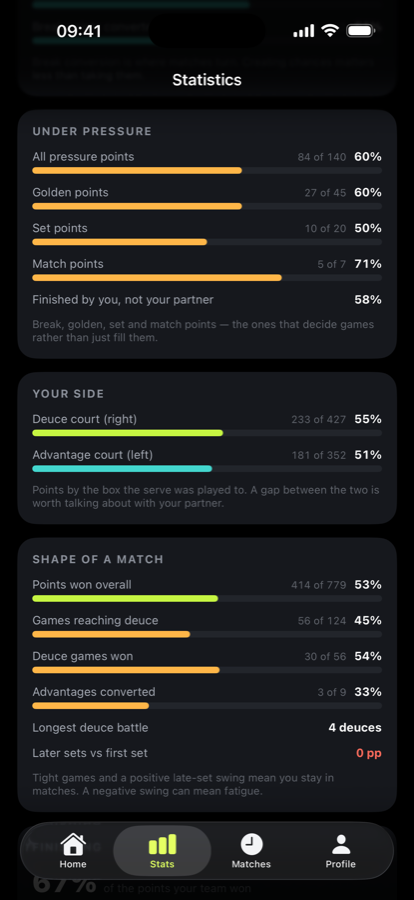
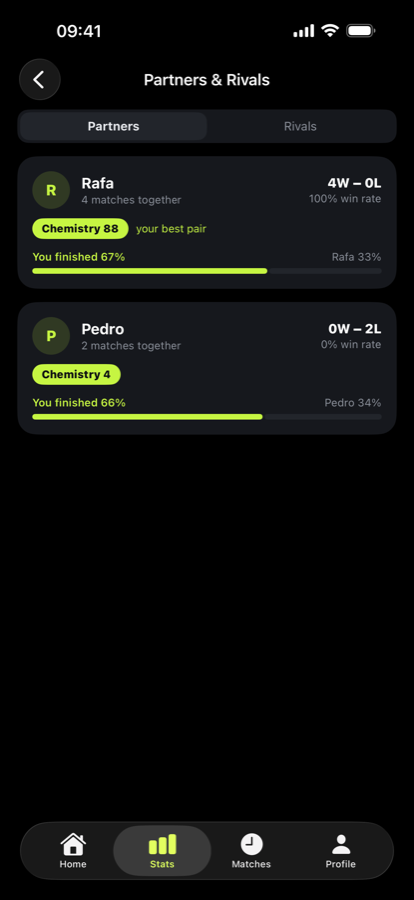
An optional setting. When it's on, winning a point asks whether it was finished by you, by your partner, or by an opponent's mistake. That's what powers your finishing share, your trend over time, and the per-partner split in Partners & Rivals. It's entirely optional — leave it off and scoring stays one tap.

Why aren't my heart rate, calories, or distance showing?

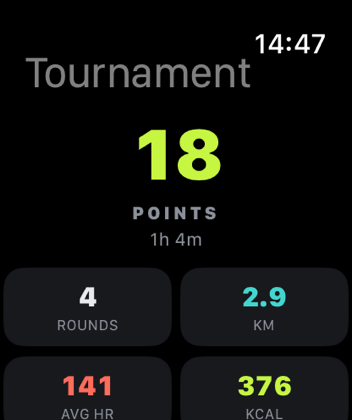
Padel Streak needs permission to read that data. On your iPhone, open Health → Sharing → Apps → Padel Streak and turn everything on. Make sure you started the match with workout recording enabled. Distance on an indoor court comes from your Watch's step counter, so it needs motion access too.

Where is my data stored? Can you see it?

On your iPhone and Apple Watch, synced through your own private iCloud account. I have no access to it and cannot see your matches. Nothing is uploaded to me, there are no ads, no analytics, and no account to create. See the privacy policy for the full detail.

I got a new phone — will my history come back?

Yes, as long as you're signed into the same iCloud account with iCloud Drive enabled. Install Padel Streak and your matches sync back down. Syncing can take a few minutes on first launch.

How do I delete my data?

Delete individual matches from the match detail screen. Removing the app removes its local data; anything held in your private iCloud is managed through your Apple ID settings. You can revoke health access at any time in the iOS Health app.

Does it track shot types?

Not today. Padel Streak reports what actually happened on court — scores, games, sets, tie-breaks, who finished points, and your effort — rather than guessing at shot classification it can't measure reliably.